TABZOOKA
Desktop Destroyer online, and a version for real websites
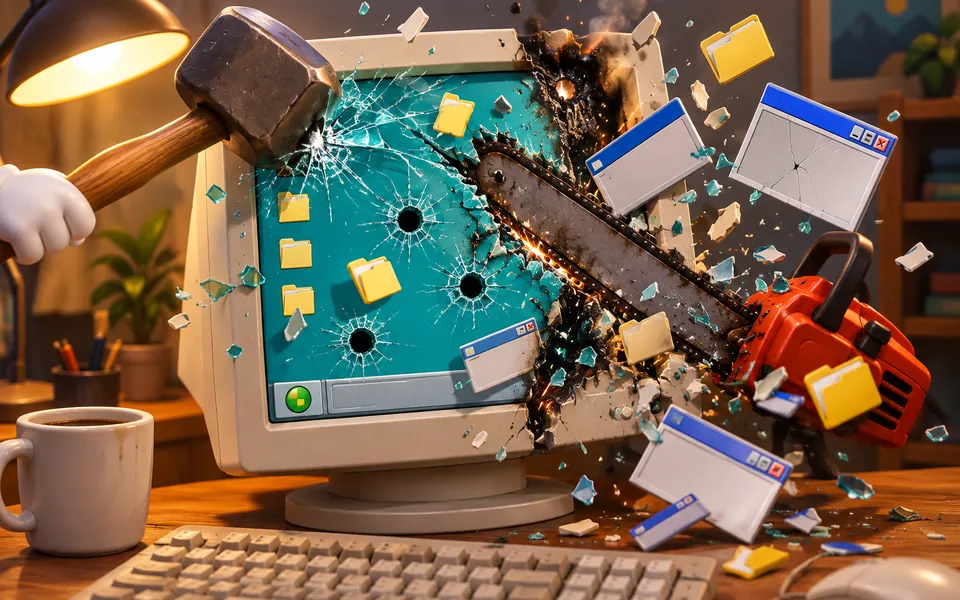
Desktop Destroyer is a classic freeware stress-relief game: it puts a computer desktop on screen and lets you wreck it with tools like a hammer, chainsaw, bomb and laser. Browser versions on game portals play with no download. To wreck the real website you have open instead, use a Chrome extension such as Tabzooka.
What Desktop Destroyer is
Desktop Destroyer started out as a small Windows freeware program that people passed around for years. It took a picture of your desktop and turned it into a target, so the icons and windows you stared at all day were the things you got to smash.
The versions you can play online today draw a fake desktop instead, because a website can’t see your screen. Portal listings count nine tools, including a hammer, a chainsaw, a bomb, a laser and a termite gun. There are no levels and no score. You pick a tool and break things for as long as it’s fun.
Where to play Desktop Destroyer online
Search “desktop destroyer online” and you’ll find the same game on dozens of portals, such as Gamenora and GameMoloko. They’re unofficial uploads and play almost identically, so pick whichever loads fastest for you. Three things are worth knowing:
- The browser version runs inside the page. You never need to download anything to play it.
- If a site pushes an .exe file or a “launcher”, close it. Old freeware gets re-uploaded on download sites, and you can’t tell what’s been bundled with it.
- Use a mouse. Every tool is point and click.
Why smashing a screen feels good
Breaking something that can’t break back is a fast release, and a round of Desktop Destroyer takes about as long as you want it to. That’s why it shows up on every list of stress relief games, next to bubble wrap simulators and website destroyers. The catch is that the desktop is fake, and after a few minutes you’ve seen everything the tools can do.
A Desktop Destroyer for real websites
Tabzooka flips the idea around. It’s a Chrome extension that makes the website you actually have open into the target: a news site, a shop, the article you were meant to be reading. Press Alt+Shift+Z and a hero lands on the page with a jetpack and a loadout of weapons.
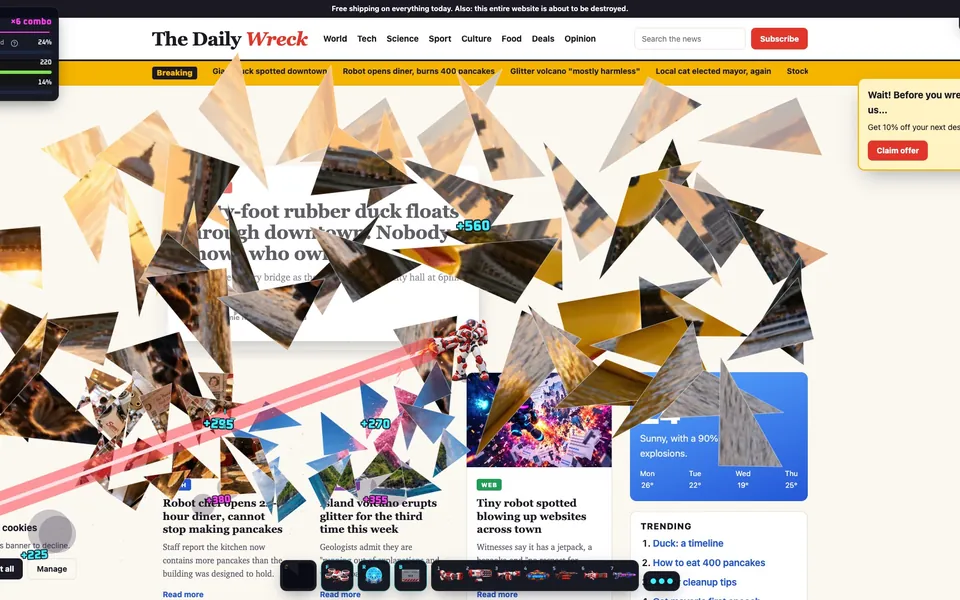
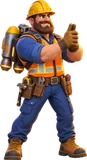
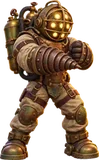
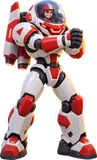
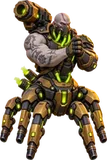
Instead of picking a tool from a toolbar, you pick a hero. Each of the 13 heroes carries 7 weapons nobody else has, 91 in all, from Brick’s sledgehammer and dynamite to Captain Kaboom’s mortar and fireworks. Images shatter like glass, letters fall one at a time, and stacked boxes collapse when the one underneath goes. Closing the game puts the page back exactly as it was.
| Desktop Destroyer (browser) | Tabzooka | |
|---|---|---|
| What you smash | A fake desktop | The real page in your tab |
| Tools | 9 tools | 13 heroes with 7 weapons each |
| Goals | None | 5 modes, levels, 10 bosses, leaderboards |
| Multiplayer | No | Up to 6 players |
| Install | None | Chrome extension |
| Price | Free | Free with 2 heroes; Pro is $5 a month or $30 once |
When you want more than free smashing, the modes give it a point. Target Rush marks elements to destroy against a clock, Demolition gives you 60 seconds to hit a score, and Web Invasion sends creatures crawling out of the page with a boss every third wave. See all five on the modes page.
How to wreck a page in 30 seconds
- Add Tabzooka to Chrome. It’s free to play.
- Open the site you want to smash.
- Press Alt+Shift+Z.
- Pick a hero and Free Play, then start wrecking.
- Press Esc and click the X when you’re done.
Other games like Desktop Destroyer
Two other games aim at web pages. Kick Ass flies an Asteroids-style ship over the page you’re on, and Destroy Any Website, which went viral in September 2026, loads a copy of any URL you paste in as a pixel-art level. Our guide to games that destroy websites compares all three, and there’s a full walkthrough of Destroy Any Website.
Questions people ask
Can you play Desktop Destroyer online?
Yes. Browser versions on game portals such as Gamenora and GameMoloko run inside the page with no download. They draw a fake desktop for you to smash, because a website can’t capture your real screen.
Is Desktop Destroyer free?
Yes. The original was freeware, and the online versions are free to play on ad-supported game portals. None of them need an account.
Is it safe to download Desktop Destroyer?
Play the browser version instead. Old freeware is re-uploaded on many download sites, and you can’t tell what’s been bundled with an unknown .exe. The browser version needs no install at all.
Is there a Desktop Destroyer for websites?
Yes. Tabzooka is a Chrome extension that does to web pages what Desktop Destroyer does to a desktop. Press Alt+Shift+Z and the page’s images, text and buttons break apart under 91 different weapons.
Does Tabzooka damage the website?
No. Tabzooka only changes what your own tab shows. The real site, its server and every other visitor see nothing, and the X on any menu puts the page back as it was.
Does Tabzooka work on a Mac or a Chromebook?
Yes. It runs in Chrome on Windows, Mac, Linux and ChromeOS. It needs a keyboard and mouse, so it doesn’t run on phones, and some school Chromebooks block extension installs.